

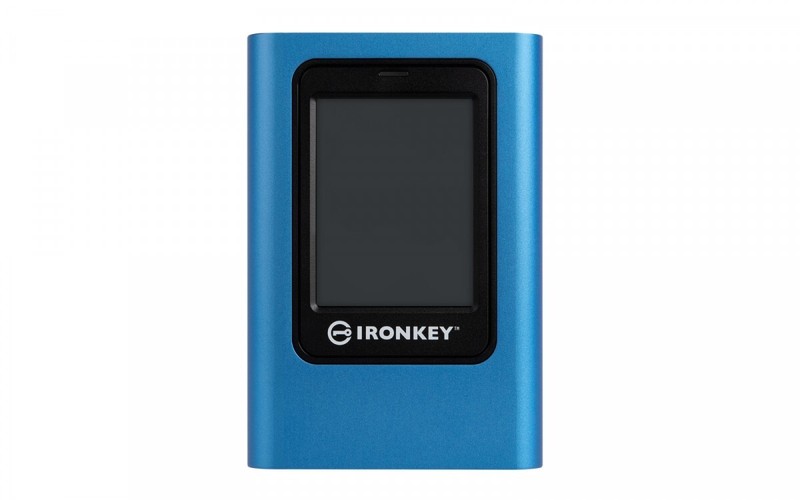
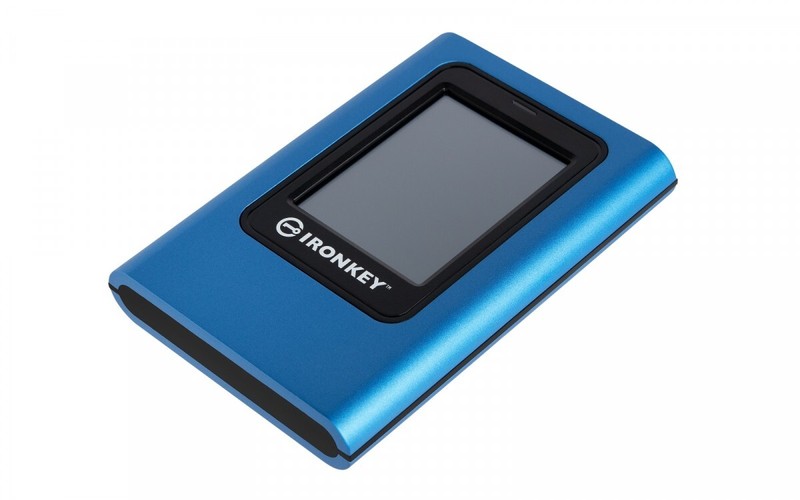
Kingston IronKey Vault Privacy 80 external SSD, 1.92TB, IKVP80ES

- Capacity: 1920 GB
- Connection type: USB 3.0/USB 3.1 gen 1/USB 3.2 gen 1
- Colour: Blue
IKVP80ES
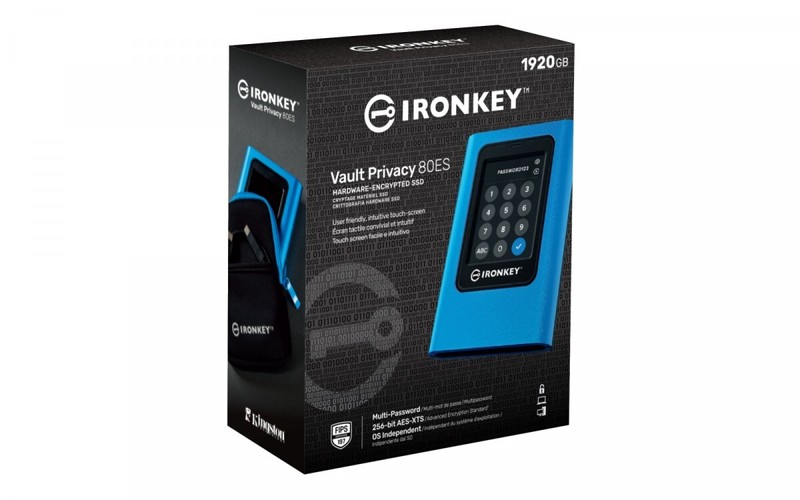
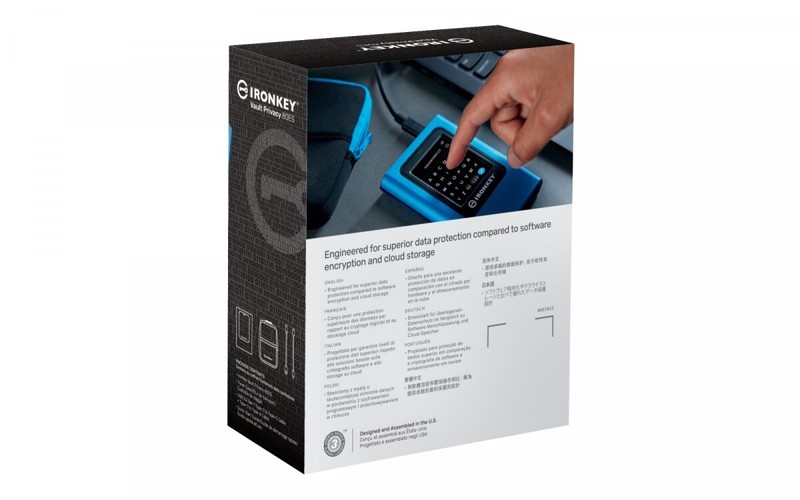
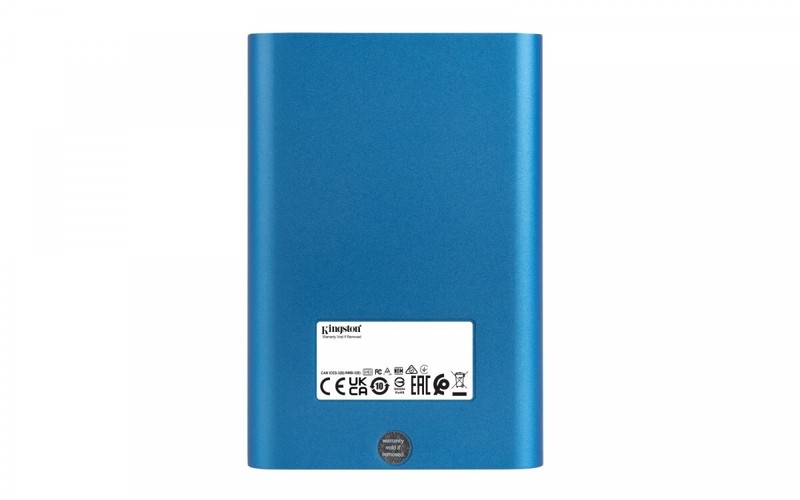
Kingston's IronKey Vault Privacy 80 external SSD is Kingston's first innovative, OS-independent, touchscreen hardware-encrypted SSD for data protection. The VP80ES drive guards against brute force and BadUSB attacks with digitally signed firmware. Protection from brute force attacks utilizes a mechanism that cryptographically erases data from the drive if administrator and user passwords are entered incorrectly 15 times in a row. The drive is FIPS 197 certified with 256-bit XTS-AES encryption using a secure microprocessor that is Common Criteria EAL5+ (CC EAL5+) certified and it complies with TAA guidelines.
Protecting your data, the VP80ES drive is easy to use. It unlocks like a smartphone and features drag-and-drop file transfer. With an intuitive color touchscreen and the option for multiple passwords (administrator and user), with numeric PIN or password modes, the Vault Privacy 80ES provides the advantage of using online and cloud services to protect data.
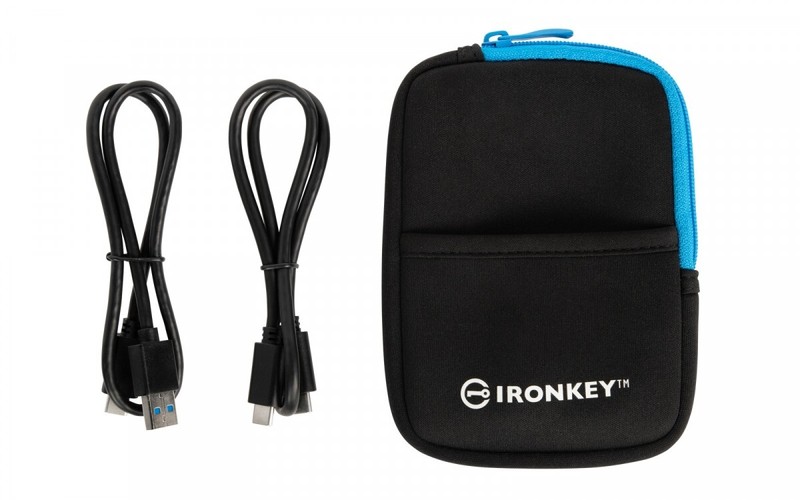
Whether it’s important company information, customer documents, or high-resolution photos and videos, the drive is ideal for small and medium-sized enterprises (SMEs). It comes complete with two USB 3.2 Gen 1 adapter cables, USB Type-C to Type-A, and Type-C to Type-C cables to enable easy connection to computers and other devices. The VP80ES drive is the ideal solution whenever you need secure data in the field. It puts productivity and convenience at your fingertips.
The administrator can activate the user's password and set security options such as configuring the password requirement, maximum number of password attempts, minimum password length of 6 to 64 characters, and alphanumeric password rules. In addition, a space character can be used to make the encryption password easier to remember—as a string of words, a quote, or the lyrics of a favorite song. Alternatively, the PIN keypad can be used to unlock the system, just like on a mobile device. To reduce failed login attempts, you can tap the eye button to display the password you have entered.
If a user's password is forgotten, the device has a feature that allows you to use the administrator password to access data and restore user access.